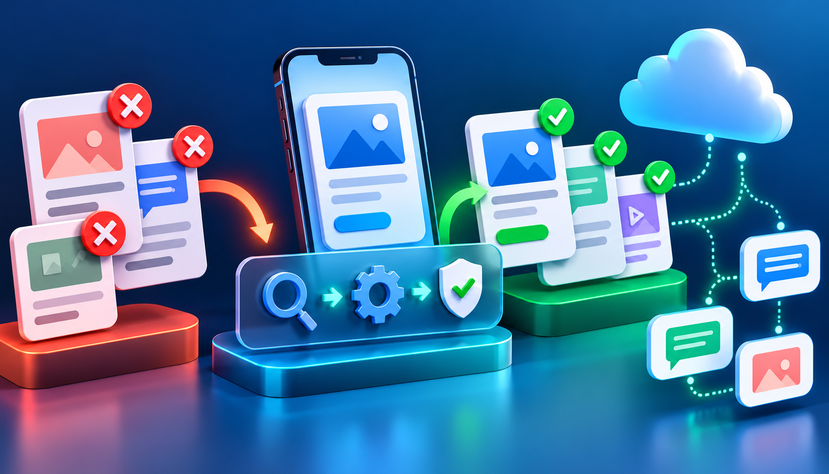
1. Incorrect WhatsApp Template Category
One common reason for rejection is selecting a category that does not match the actual purpose of the message.
WhatsApp template categories generally include Marketing, Utility, and Authentication. A message about a completed order may qualify as Utility, while a message promoting a new product is generally Marketing.
Example of a potential mismatch
Submitted template:
“Your order has been confirmed. Shop our new arrivals today and get exclusive offers!”
The first sentence is transactional, but the second promotes products. That promotional content can make the overall template unsuitable for the Utility category.
How to fix it
- Separate transactional notifications from promotional campaigns.
- Select the category that matches the message’s actual purpose.
- Remove promotional content from templates intended for Utility use.
- Review Meta’s current category definitions before submitting.
For more context, see FlyingStars’ WhatsApp Business API Solutions.