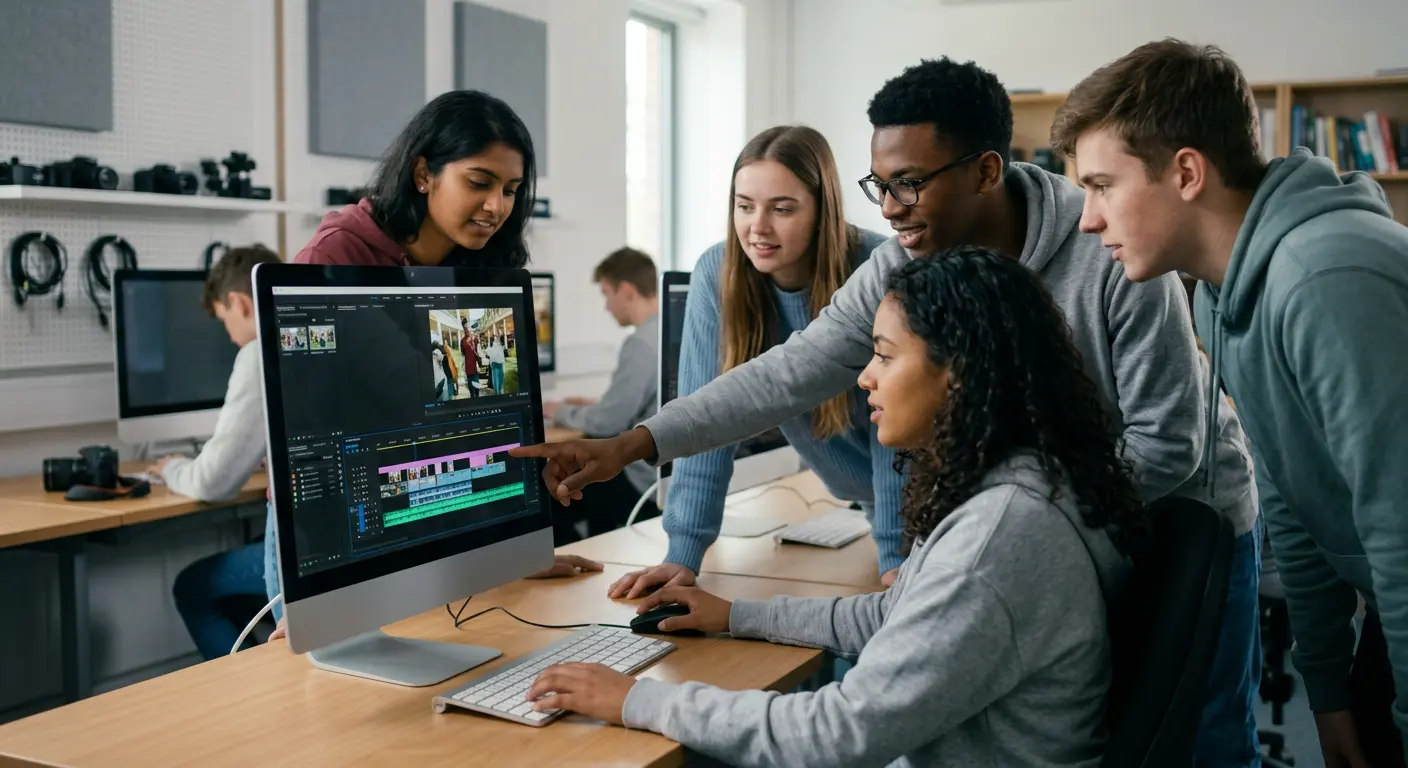
Digital content creation is no longer optional in education.
From classroom presentations to online courses, video has become one of the most powerful teaching tools. Colleges, universities, schools, and training institutes are now investing in video editing software to help students build creative and technical skills.
But choosing the right editing software for an educational institution is very different from choosing software for a film studio.
Institutions must consider:
- Ease of learning
- Budget constraints
- Lab compatibility
- Multi-user licensing
- Long-term sustainability
This is where Wondershare Filmora stands out.
In this detailed guide, we will explore why Filmora is one of the best video editing solutions for educational institutions in 2026.
Students learn quickly when software feels simple. Filmora uses a clean drag-and-drop interface. Beginners do not feel overwhelmed.
Unlike complex editing tools, Filmora reduces the learning curve. Students focus on creativity instead of technical confusion.
The Growing Importance of Video in Education
Modern education is highly visual.
Students create:
- Project presentations
- Short films
- Documentary assignments
- Marketing case studies
- Social media campaigns
- Online course content
Institutions also produce:
- Promotional videos
- E-learning modules
- Faculty lectures
- Event coverage
To support this ecosystem, colleges need a video editing solution that is powerful yet accessible.
Not overly technical.
Not too expensive.
Not hardware-intensive.
Filmora fits this requirement perfectly.
Designed for Beginners and Students
Most students entering college have little to no professional editing experience.
If software is too complex, students become discouraged. Instead of focusing on creativity, they struggle with technical panels and advanced terminology.
Filmora solves this problem.
Simple and Intuitive Interface
The interface is clean and organized:
- Drag-and-drop timeline
- Clearly labeled tools
- Built-in effects library
- Quick export options
Students can start editing within their first class session.
There is no need for weeks of technical training before producing meaningful results.
Reduced Learning Curve
Professional editing software often requires structured certification programs.
Filmora allows:
- Faster onboarding
- Minimal faculty training
- Immediate hands-on learning
This is ideal for:
- General degree colleges
- Media departments
- Digital marketing programs
- Communication studies
- Schools introducing creative skills
When students learn faster, classroom productivity improves.
Affordable Licensing for Institutions
Budget is one of the most important decision factors for educational institutions.
Software must be cost-effective at scale.
Volume Licensing Options
Filmora provides:
- Multi-user licensing
- Bulk purchase options
- Flexible renewal structures
Institutions can deploy the software across multiple systems without excessive subscription costs.
This reduces financial pressure on:
- Government colleges
- Private universities
- Skill development centers
- Training institutes
Lower Total Cost of Ownership
Total cost is not just license price.
Institutions must consider:
- Hardware upgrades
- Training investment
- Annual renewals
- IT management overhead
Filmora reduces total cost because:
- It runs on mid-range systems
- It does not require enterprise-grade GPUs
- It minimizes training time
- It offers affordable plans
Over 3-5 years, this makes a significant difference.
Additional Advantages of Filmora for Educational Institutions in India
Beyond affordability and ease of use, Wondershare Filmora offers several practical benefits that make it highly suitable for educational environments.
Lightweight and Easy to Run
Filmora is a lightweight application that runs smoothly on standard college lab systems. Unlike heavy editing software, it does not require high-end hardware, making it easier for institutions to deploy across multiple computers.
Lightweight Application for Lab Systems
Filmora is a lightweight application that works efficiently on standard computer lab systems. Unlike heavy editing software, it does not require high-end hardware, allowing institutions to use existing infrastructure without upgrades.
Perpetual License for Long-Term Savings
Unlike subscription-based tools such as Adobe Premiere Pro, Filmora offers perpetual licensing options. Institutions can make a one-time purchase, which helps reduce long-term recurring costs and simplifies budget planning.
Significant Cost Advantage with Local Support
Filmora can be up to 70% more cost-effective compared to Adobe solutions. In addition, institutions benefit from local support in India through authorized partners, ensuring smooth deployment, licensing assistance, and ongoing help.
Batch Processing for Academic Workflows
Filmora supports batch processing features that allow users to export multiple videos efficiently. This is especially useful in academic environments where students work on multiple projects simultaneously.
Compatible with Standard Computer Labs
Many institutions operate computer labs that are 2–4 years old.
High-end professional editing tools often require:
- 16-32GB RAM
- Dedicated GPUs
- High-end processors
Upgrading entire labs can be extremely expensive.
Filmora works smoothly on:
- Standard Windows PCs
- Mid-range laptops
- Mac systems
- 8–16GB RAM configurations
This allows institutions to implement video editing programs without upgrading infrastructure.
Powerful Features Without Overwhelming Students
While Filmora is beginner-friendly, it is not basic.
It includes advanced features that help students grow creatively.
AI-Powered Tools
Filmora includes:
- Auto subtitles
- AI text-to-speech
- Silence detection
- Smart cut
- Background removal
These tools save editing time and make assignments more polished.
Students can focus on storytelling rather than manual technical adjustments.
Creative Tools for Skill Development
Filmora supports:
- Green screen editing
- Motion tracking
- Keyframing
- Split-screen layouts
- Audio enhancement
These features help students understand:
- Composition
- Visual storytelling
- Timing
- Transitions
- Audio balancing
They gain practical editing skills that are applicable in marketing, content creation, and media careers.
Ideal for Multiple Academic Departments
Media and Communication Courses
Students create documentaries, interviews, and promotional content.
Marketing & Business
Students produce:
- Ad campaigns
- Brand storytelling videos
- Product demos
Computer Science & IT
Students develop:
- App demos
- Tutorial videos
- Software walkthroughs
Education & Teacher Training
Trainee teachers create:
- Micro-teaching videos
- Lesson plans
- Instructional content
Filmora’s versatility supports cross-department usage.
Encourages Creativity Over Technical Complexity
Education should inspire creativity.
When software becomes too technical, students focus on:
- Adjusting color curves
- Managing proxy workflows
- Understanding complex panels
Instead of:
- Storytelling
- Editing flow
- Communication impact
Filmora simplifies the technical side so students can concentrate on creative expression.
This aligns better with most undergraduate-level programs.
Faster Classroom Implementation
Faculty adoption is often a hidden challenge.
If teachers need months of training to understand software, programs get delayed.
Filmora allows:
- Quick faculty training
- Easy lesson planning
- Ready-made templates
- Built-in effects for assignments
Teachers can create structured assignments quickly.
This improves academic efficiency.
Suitable for Online & Hybrid Learning
With hybrid education models growing, institutions need tools that support remote learning.
Filmora enables students to:
- Install software on personal laptops
- Create video assignments at home
- Record screen presentations
- Submit edited projects digitally
It bridges classroom and remote learning environments.
Institutional Brand Building
Colleges also benefit from internal content creation.
Filmora can be used to create:
- Admission promotional videos
- Event highlights
- Alumni interviews
- Social media marketing content
Instead of outsourcing production, institutions can empower students and staff to create content in-house.
This reduces marketing costs.
Balanced Skill Development for Career Readiness
Not every student will become a film editor.
However, video editing is now a valuable skill in:
- Digital marketing
- Social media management
- Corporate communication
- Entrepreneurship
- Online education
Filmora teaches transferable creative skills without overwhelming learners.
Students graduate with practical, applicable abilities.
Comparison with High-End Professional Suites
Professional editing software is designed for:
- Film production
- Broadcast television
- Advanced studio workflows
While powerful, they often:
- Require steep learning curves
- Demand expensive hardware
- Cost more annually
- Focus on industry pipelines
For most colleges, this level of complexity is unnecessary.
Filmora provides the right balance between simplicity and capability.
When Should Institutions Consider More Advanced Software?
Filmora is ideal for:
- General colleges
- Undergraduate programs
- Skill development centers
- Marketing & media training institutes
However, specialized film schools producing professional cinema-level content may require more advanced industry-standard tools.
For the majority of institutions, Filmora delivers better cost-to-benefit value.
Final Verdict
Educational institutions need software that is:
- Easy to teach
- Affordable at scale
- Compatible with existing infrastructure
- Powerful enough for student creativity
Wondershare Filmora delivers on all these fronts.
It reduces technical barriers.
It lowers financial strain.
It accelerates learning.
It encourages creativity.
For colleges and training institutes looking to introduce or expand video editing programs in 2026, Filmora remains one of the most practical and balanced solutions available.